Webzstore
Many free tools can scan your website for accessibility problems. Below is a list of seven tools worth trying.
What These Tools Can and Cannot Tell You
Automated scanners find certain kinds of accessibility issues quickly, such as missing text alternatives for images, low color contrast, missing form labels and some structural errors. They cannot determine whether a website is compliant with the Americans with Disabilities Act (ADA) or conforms to the Web Content Accessibility Guidelines (WCAG). The W3C says that some accessibility checks cannot be automated, and that testing WCAG success criteria involves a combination of automated testing and human evaluation. A clean scan result is therefore not proof of accessibility, and it is not legal approval.
WCAG is a technical standard published by the W3C. Whether a website meets legal obligations under the ADA or another law is a separate legal question that depends on your situation and jurisdiction, so ask a qualified lawyer if you need that answer. For a real accessibility review, use a scanner first, then test by hand: try the whole page with only a keyboard, check focus order and visible focus, test with a screen reader, zoom the page and review forms, error messages, video captions and other content that tools cannot judge.
WAVE
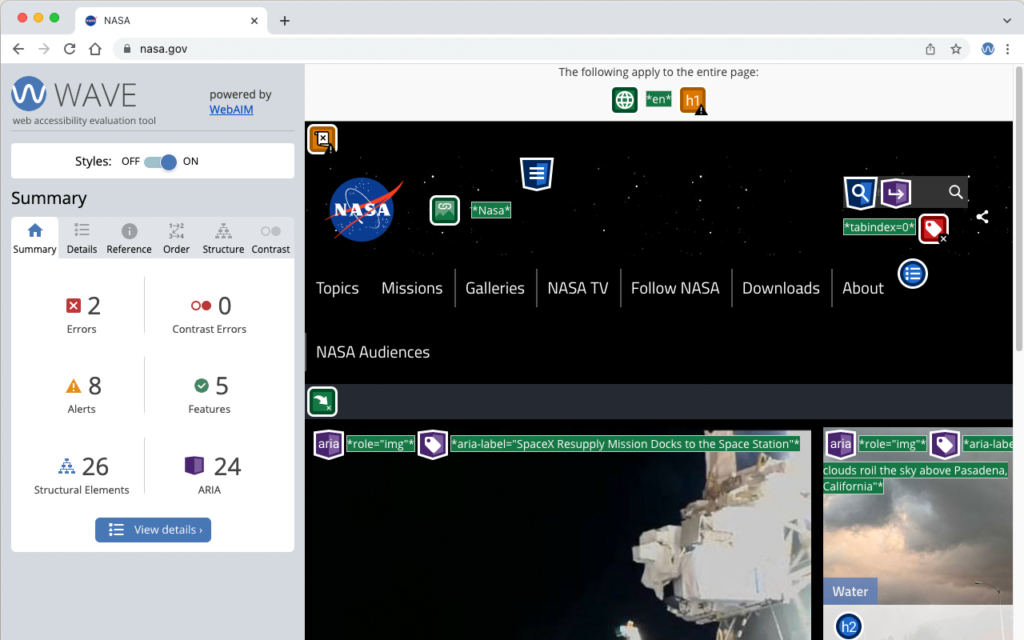
Think of WAVE as a magnifying glass for your pages. It marks accessibility errors and alerts directly on the page, such as missing alternative text, empty links and contrast errors, so you can see where to look. It reports what it can detect automatically. It cannot tell you that a page is accessible, so follow it with manual checks.
Lera
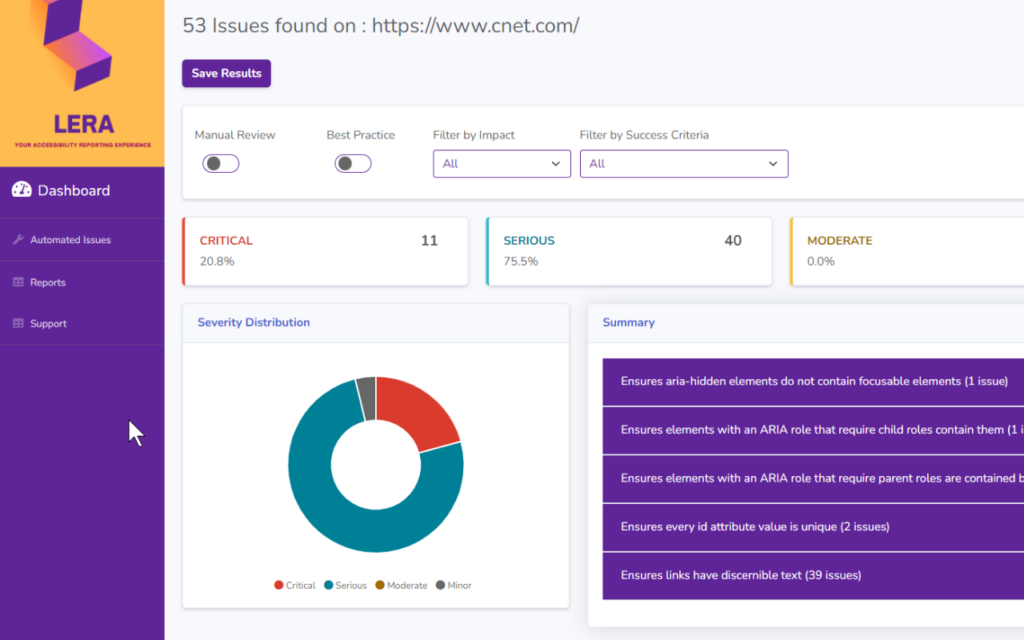
Lera is a Chrome extension for automated accessibility testing and reporting. It is described as checking pages against WCAG 2.1 success criteria and listing the issues it finds. Browser extensions change or disappear, so check the tool's current listing before you rely on it, and treat its report as a list of issues to review, not a statement of conformance.
Google Lighthouse
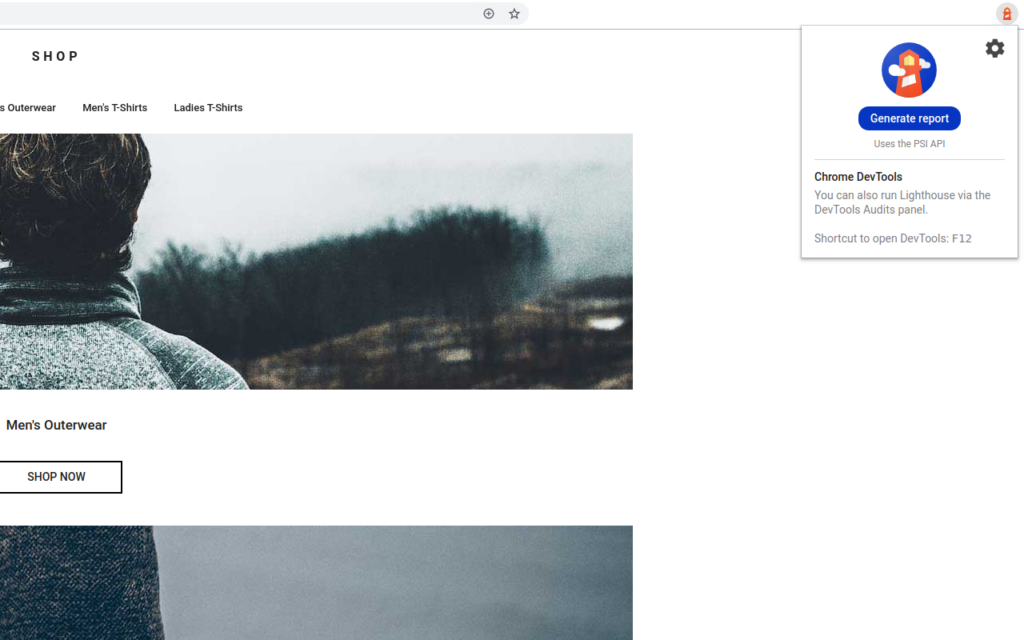
Lighthouse is Google's open-source tool for auditing a page. It is built into Chrome DevTools and is also available as an extension and command-line tool. It reports on performance, accessibility, best practices and SEO. Its accessibility audits cover only a subset of possible issues and are pass or fail, and Lighthouse lists further checks, such as focus order, that you need to do by hand. A high accessibility score does not mean a page is fully accessible.
IBM Equal Access Accessibility Checker
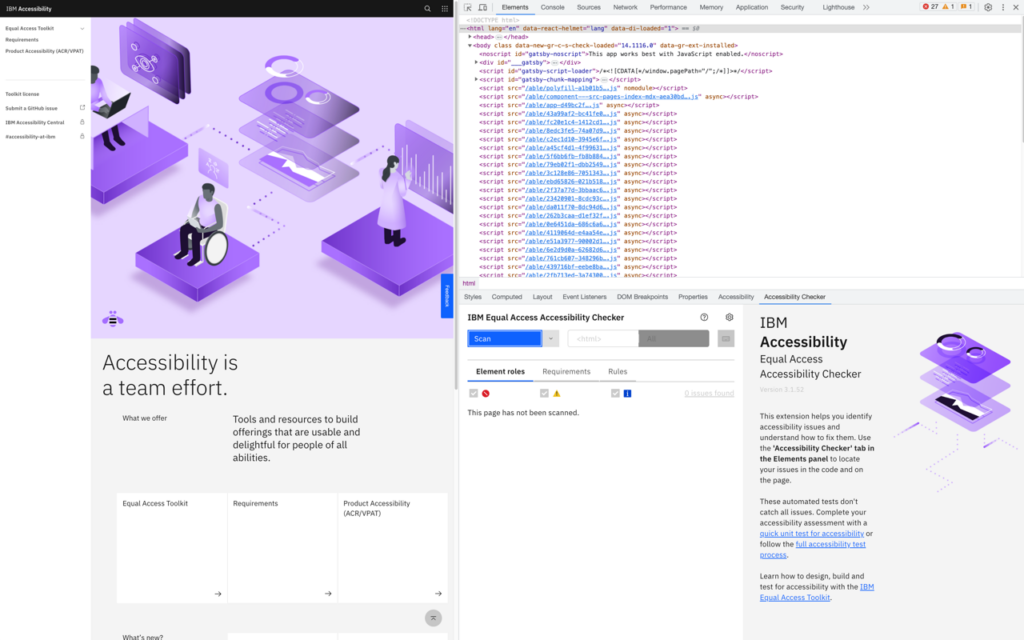
This browser extension scans a page against IBM's accessibility rules, which are based on WCAG, and explains each issue it finds and how to approach fixing it. Like the other tools here, it finds issues that can be tested automatically and flags others for manual review, but it cannot certify a page.
AccessibilityChecker.org
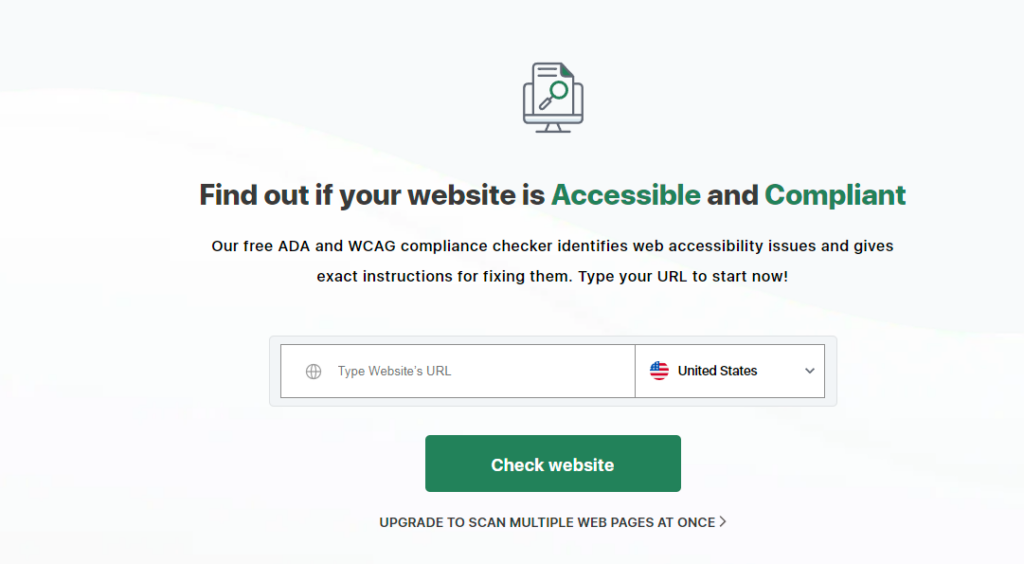
This online service scans a page and reports possible accessibility issues. Its name and marketing refer to ADA and WCAG compliance, but a web-based scan can only report the issues it can detect automatically, so it cannot confirm compliance with either. Use its results as a to-do list for review.
AccessScan
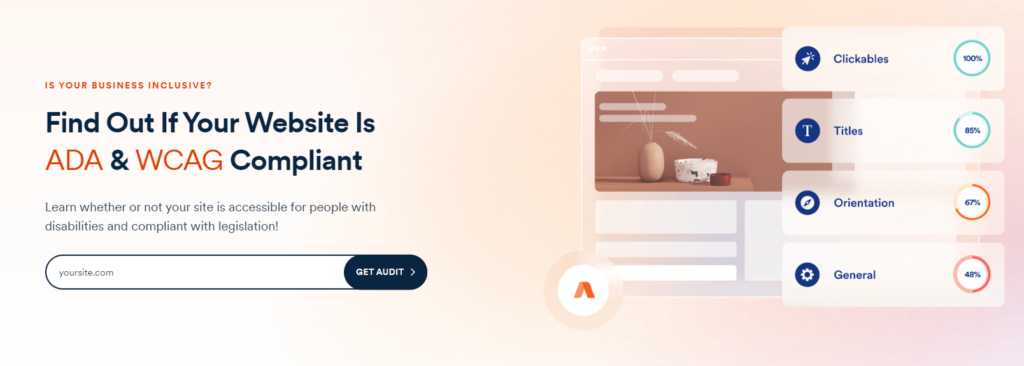
AccessScan is a free scanner from accessiBe that runs automated checks based on WCAG 2.1 Level AA. Treat the result as a starting point and not a compliance verdict. accessiBe also sells accessibility products, so remember the scan comes from a vendor. In January 2025 the US Federal Trade Commission announced an order against accessiBe over claims that its AI-powered accessWidget product could make any website WCAG-compliant, which is a reminder that an automated tool, or one scan, cannot guarantee compliance.
Accessible Web Helper Extension
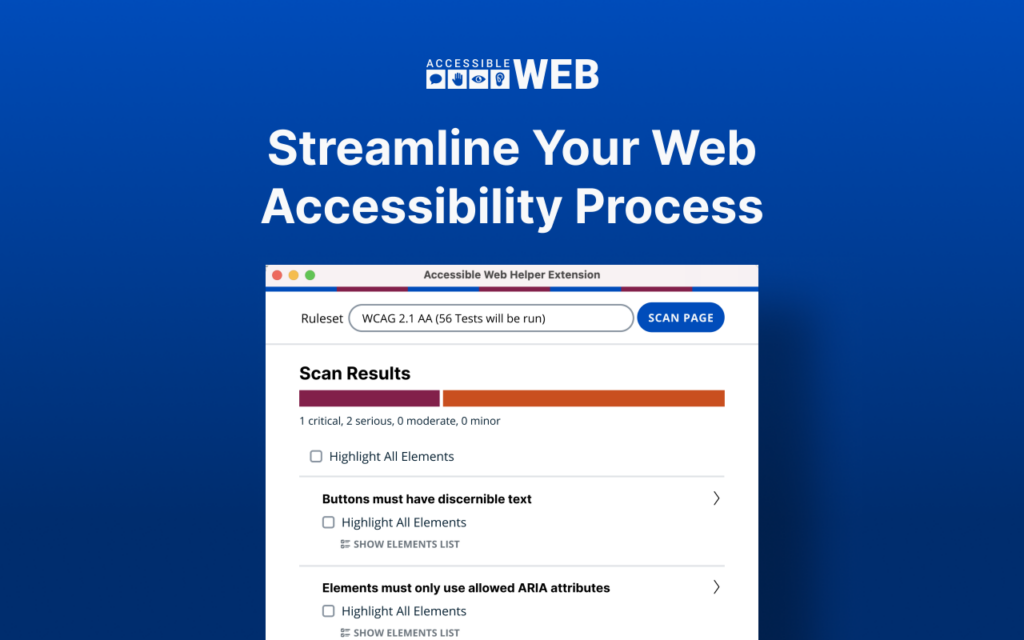
This Chrome extension highlights accessibility violations on a page with one click, so you can see issues on the page itself. As with the other extensions, check its current listing before relying on it, and remember that it can only flag issues that are detectable automatically.
These tools help you find and fix many common barriers on your site. None of them can decide whether your website is accessible to everyone, conforms to WCAG or meets ADA obligations. Use two or more of them, add manual keyboard and screen-reader testing, fix the problems you find, and test again. For the conformance details, see the W3C's guidance on WCAG conformance and on accessibility evaluation tools.