 Webzstore
A dashboard can look clear in a design and still be difficult when a record is missing or a request fails. We plan the loading, empty, validation and error states alongside the main screens.
React Development
React Development
React development helps turn customer or staff tasks into usable web interfaces. We build and improve navigation, forms and changing-data screens, including the states people encounter when an action does not succeed.
01Interface
An interface needs more than a finished screen

That starts with the user's role and purpose. A customer checking a request and a staff member managing many requests may need different information and permissions, even when they use the same application.
02Existing App
Work with your existing application
We can assess an existing React project for a new feature, a difficult user journey or an interface improvement. The review covers the relevant components, data flow and dependencies so the change fits the application around it.
Interface area
Navigation
What the design needs to answer
Where is the user, and what can they do next?
Interface area
Forms
What the design needs to answer
What is required and how are errors corrected?
Interface area
Changing data
What the design needs to answer
Is the information loading, current or unavailable?
Interface area
User roles
What the design needs to answer
Which actions belong to this person?
Interface area
Repeated components
What the design needs to answer
Which behaviours should remain consistent?
Permissions must also be enforced by the relevant backend. Hiding a button in the interface is not a complete access-control system.
03Workflow
Connect screens to the actual workflow
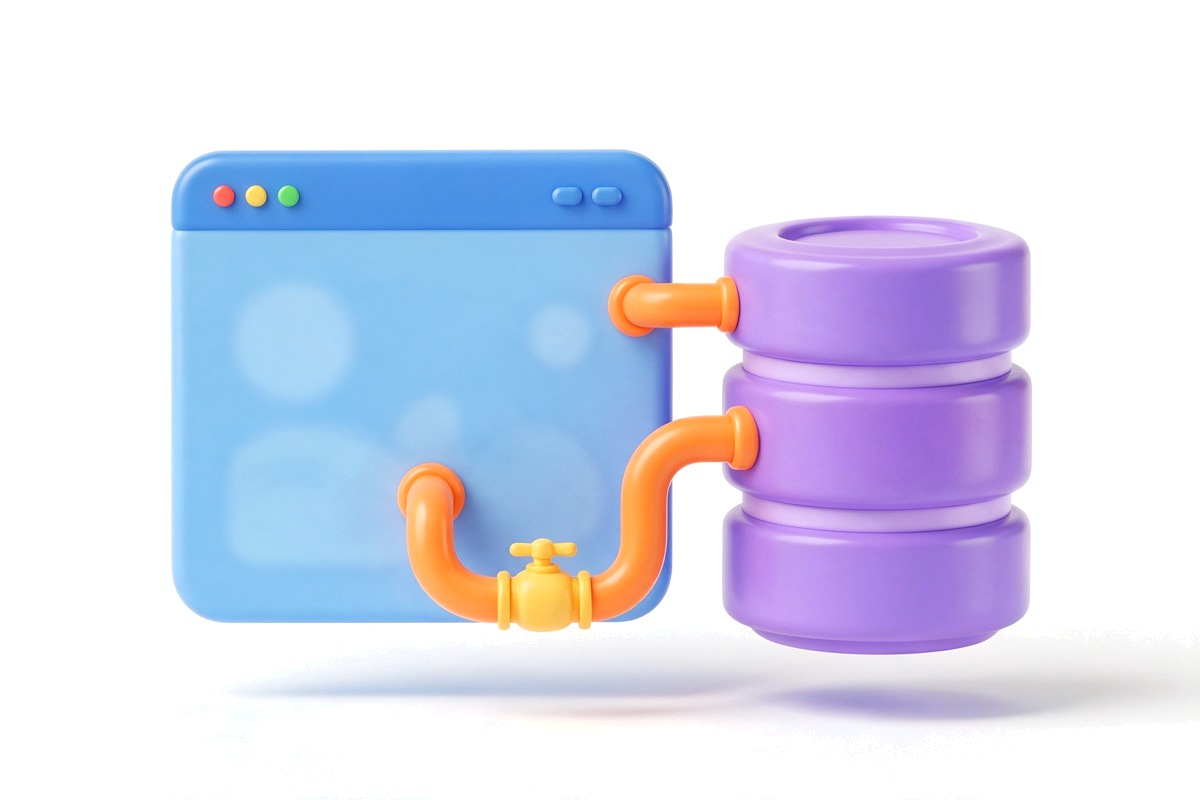
We identify the APIs or services the interface will use and the information each action needs. If the backend does not yet exist, that becomes part of the wider application discussion rather than an assumption hidden inside the interface brief.
Before release, we test representative journeys through the affected screens. Visual review and functional testing answer different questions; both matter to a usable result.
04Checks
Check keyboard, forms and speed on the affected screens
We check the screens we build or change, not the whole application, and we report what we find rather than claim a certification.
- Keyboard: every control can be reached and used without a mouse, in a sensible order, with a visible focus outline.
- Forms: each field has a visible label, errors appear as text beside the field, and focus moves to the first problem after a failed submit.
- Focus: when a dialog, menu or new screen opens or closes, focus lands in a sensible place and returns afterwards.
- Speed: we measure load time and response to clicks on the affected screens before and after the change, on a phone-sized screen as well as a desktop, and fix what the measurements show.
05Upkeep
Agree who looks after the dependencies
A React application relies on packages written by other people, and they receive updates over time.
- Within the project, we record which packages the new work adds or changes, and we agree who reviews and applies their updates, and who tests the screens afterwards.
- If your own developers maintain the application, we document what we touched so they can take it over.
- Ongoing care after launch is agreed separately and is not assumed to be part of the build.
Questions before getting started
Is React necessary for our website?
Not always. A straightforward information website may not need a React application. We choose around editing needs, interactions and the existing setup.
Can you improve a React app built by another team?
We can assess it. Access to the code and an explanation of the intended behaviour help establish a realistic scope.
Does React development include the backend?
Only when that work is included in the project. We make the boundary clear between the interface, APIs and data storage.
Share the application or the workflow you want to build, and the part that matters most to your users.
Explore the next step
- Web Application DevelopmentPlan a web application around user tasks, permissions, data and connected systems. Discuss the first release and development scope on a free 30-minute call.
- JavaScript DevelopmentImprove forms, interactions and connected website features with JavaScript development based on real user tasks. Discuss them on a free 30-minute call.
- Next.js DevelopmentPlan a Next.js website or application around public content, account features, editing and connected systems. Discuss your brief on a free 30-minute call.